Personal analytics 9 min
How to Compare Apple Health Data With Work Data
A privacy-aware method for aligning Apple Health sleep, activity, and recovery context with GitHub activity, focus, mood, and meaningful work outcomes.
Read field noteTracking tools · Commercial investigation for an Apple Health connected app that supports sustainable productivity and reflection
Compare apps that use Apple Health context for habits, mood, personal analytics, and sustainable work without treating health scores as productivity grades.
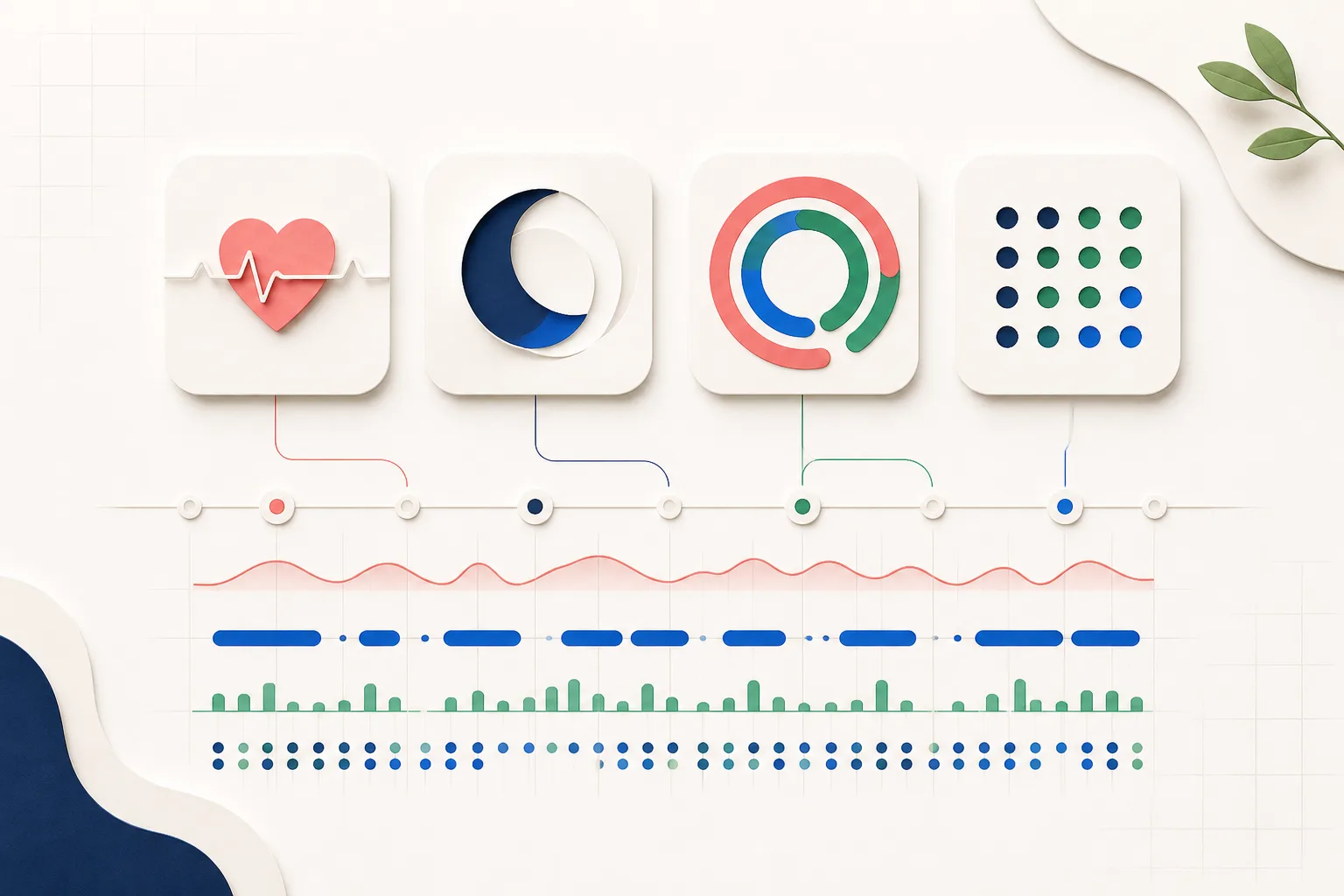
Apple Health can gather sleep, activity, workouts, state of mind, and other health records in one permissioned repository. The harder question is what to do with that context when planning knowledge work. A recovery score may feel precise while still failing to capture deadlines, caregiving, motivation, or the difficulty of the task ahead.1
The apps below serve different jobs: first-party review, automated habit completion, symptom exploration, and cross-signal personal analytics. None should grade your worth or diagnose a condition. Use health data as context, compare it with your own longitudinal baseline, and seek medical advice for persistent or concerning symptoms.
Apple Health is the simplest starting point for health trends and state-of-mind entries. Streaks can automatically complete compatible goals from Health data. Bearable is better when symptoms, medications, mood, and factors are central. Swaymark fits a cross-category question, such as whether sleep, mood, a Focus habit, and GitHub activity tended to align during a release cycle.12345
| Tool | Best for | Health role | Key limit |
|---|---|---|---|
| Apple Health | First-party review | Central repository, trends, and mood logging | Does not model your whole work context |
| Streaks | Health-linked habits | Automates compatible task completion | Habit completion remains the core job |
| Bearable | Symptoms and factors | Adds health imports to a configurable diary | Setup and logging can be substantial |
| Swaymark | Health and work comparisons | Read-only requested categories via iPhone companion | Patterns are exploratory, not medical guidance |
Apple Health already offers charts, trends, privacy controls, and state-of-mind logging. Apple's guidance allows users to log a momentary emotion or overall daily mood and view associations with lifestyle factors such as exercise, sleep, and daylight. That may be enough if your question stays inside health and wellbeing context.12
Add another app only when it supplies a missing feedback loop. Streaks turns some Health observations into automatic habit progress. Swaymark brings selected Health context into a timeline with subjective and work signals. Avoid connecting a service simply because it supports HealthKit.35
Wearable readiness and recovery outputs combine physiological inputs through proprietary models. They can be useful within their intended health and training experiences, but they do not directly measure the quality of code, judgment, or creative work.
Consumer HRV and heart-rate technologies also vary in measurement validity, and HRV interpretation depends on protocol and context. Compare repeated measurements from the same device under similar conditions. A single unusual value is a reason to inspect context, not to cancel the day automatically.6
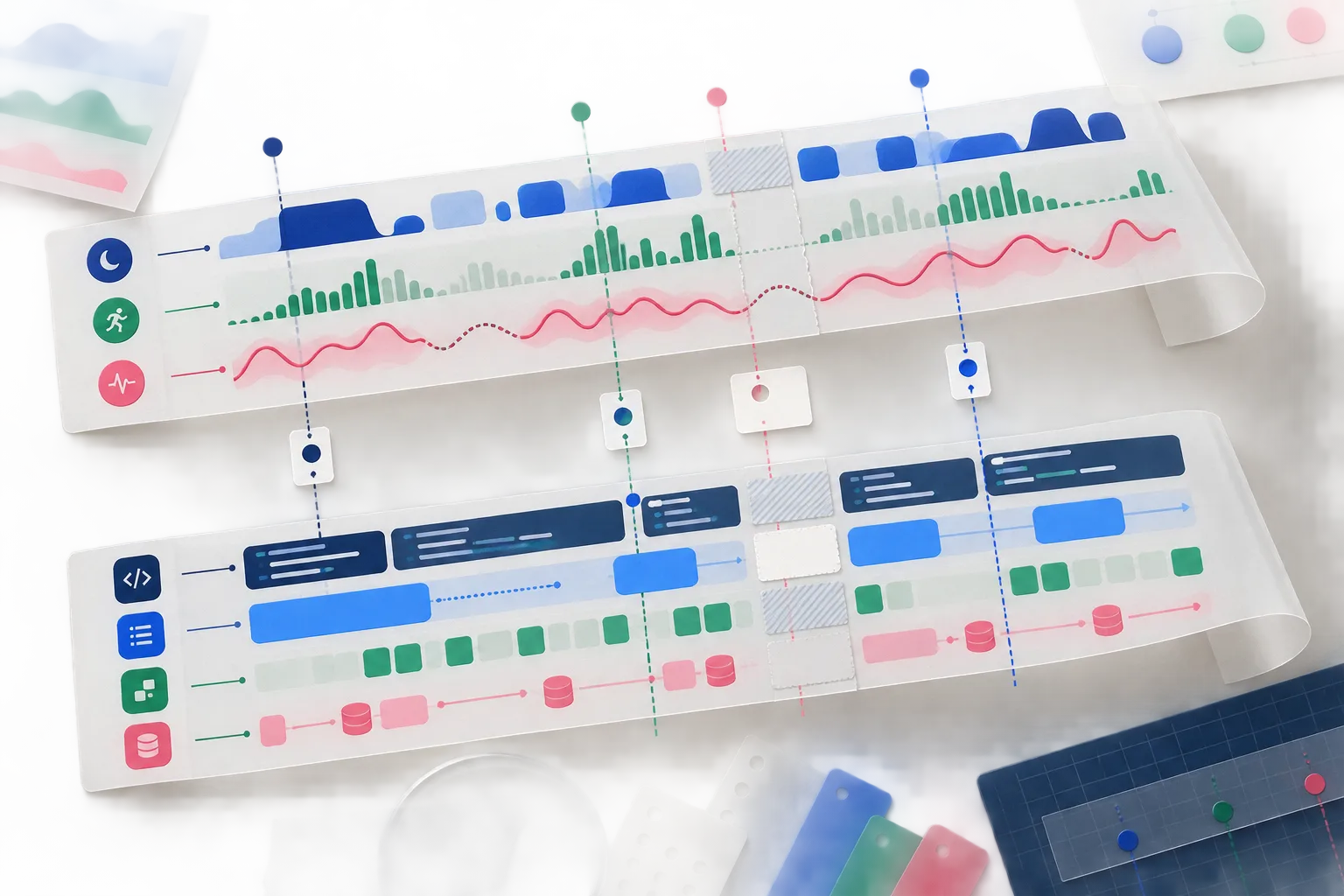
Choose a narrow question and window, such as whether coding after midnight tended to precede shorter sleep and lower next-day mood across the last six weeks. Note missing nights, travel, illness, launch pressure, and days when the expected pattern did not appear. GitHub contribution counts can add an observable work signal, but they are not a complete productivity measure.5
Turn a plausible pattern into a reversible experiment. For example, set a stop time on three comparable evenings, then review sleep, mood, and the quality of the next day's work. Keep the conclusion proportional to the sample and do not substitute app analysis for qualified medical care.
Put it into practice
Plain answers
No. Apple Health records health and wellbeing context. Work output requires separate observations, and neither commits nor task counts fully represent the quality or value of knowledge work.
Streaks can use Apple Health data to automate progress for compatible goals. Habitify also documents Health integrations. Confirm current platform and plan requirements before choosing.
Swaymark imports selected Apple Health categories read-only through its iPhone companion and can place them beside mood, habits, GitHub, and optional product signals.
Not by itself. Recovery scores are proprietary contextual outputs, not direct work-capacity tests. Consider your baseline, symptoms, task demands, and professional medical guidance when appropriate.
Apple provides HealthKit permission and access protections, but connected apps have their own storage and privacy practices. Review every app's policy and grant only the categories it needs.
A privacy-aware method for aligning Apple Health sleep, activity, and recovery context with GitHub activity, focus, mood, and meaningful work outcomes.
Read field noteLearn how sleep, HRV, resting heart rate, mood, and fatigue can add useful context to work output without turning a recovery score into a verdict.
Read field noteUnderstand what wearable HRV can and cannot say about productivity, then compare it with meaningful work outcomes using a personal baseline.
Read field note