Personal analytics 8 min
Habit Tracking and Productivity: Measure What Helps
Use habit tracking to test whether routines support focused work without confusing streaks, activity, and meaningful output.
Read field noteTracking tools · Commercial investigation for a habit tracker that matches a specific routine and motivation style
Compare focused habit trackers, flexible routine tools, private open source options, and cross-signal personal analytics to find the right fit.
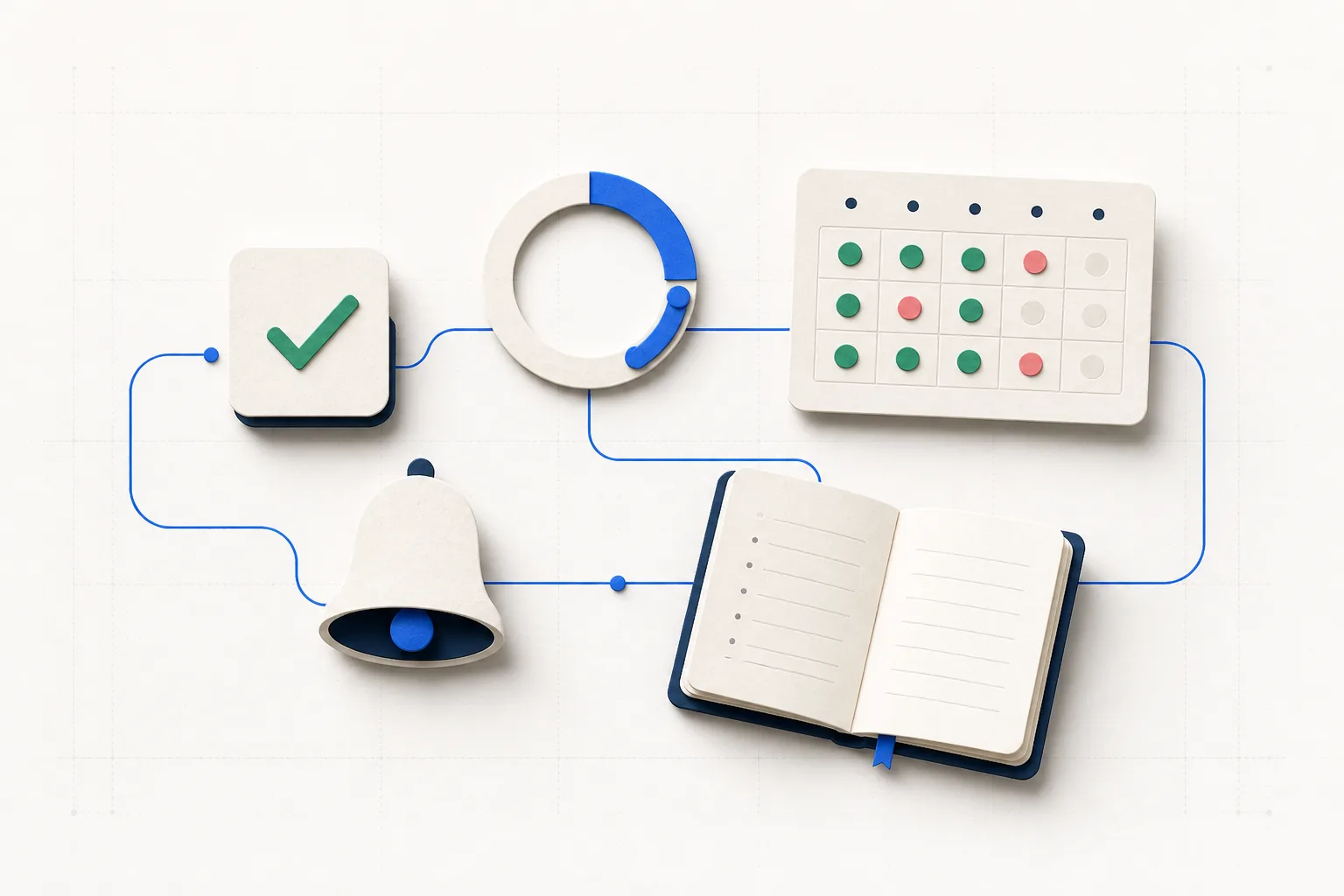
A habit tracker only helps when its feedback loop matches the behavior you are trying to change. A daily vitamin may need one reliable reminder. A creative practice may need flexible scheduling and notes. A founder trying to understand energy across a launch week may need habits placed beside sleep, mood, and observable work output.
This guide compares tools by their real strengths instead of declaring one universal winner. Features and prices can change, so verify the current plan before paying. Start with the behavior, the platform you use, and the kind of feedback that will help you make a better decision next week.1234
Choose Streaks when fast completion, flexible schedules, Apple Watch access, and Apple Health automation matter most. Choose Habitify for richer routine organization, cross-platform access, charts, and integrations. Choose Loop when you want a free Android app with local storage and no third-party analytics. Choose Swaymark when habit completion is one input in a broader personal analytics question.3156
| Tool | Best fit | Key strength | Consider first |
|---|---|---|---|
| Streaks | Apple users | Fast tasks, schedules, Watch and Health support | Its core model centers on maintaining streaks |
| Habitify | Structured routines | Organization, reminders, charts, and integrations | Plan limits and prices vary |
| Loop | Private Android tracking | Free, open source, and stored locally | Android only |
| Swaymark | Cross-signal reflection | Habits beside mood, health, and work signals | Not built primarily for streak motivation |
A focused tracker should make the desired action almost frictionless. Streaks supports scheduled tasks, statistics, Apple Health linked goals, and Apple Watch access. Habitify adds time-of-day organization, recurring reminders, progress views, and broader integrations. Either can be a better fit than a general analytics tool when the immediate problem is simply remembering and completing a routine.31
Treat a streak as feedback, not a verdict. A missed day may reveal that the schedule, cue, or habit size needs adjustment. It does not erase prior progress. Before committing to a long streak, test whether the reminder arrives at an actionable moment and whether recovery after a miss feels easy.
Loop says habit data stays on the device and that the app includes no third-party analytics or tracking services. That makes it a particularly clear choice for Android users who prioritize a local, open source tool. Habitify is the more practical option when routines need to follow you across multiple platforms and integrate with other services.451
Privacy comparisons need precision. Local-only storage, optional cloud backup, account-scoped cloud data, and permissioned integrations are different models. Check what is collected, where it is stored, what export controls exist, and whether you can revoke a connection. Do not rely on a broad privacy label alone.
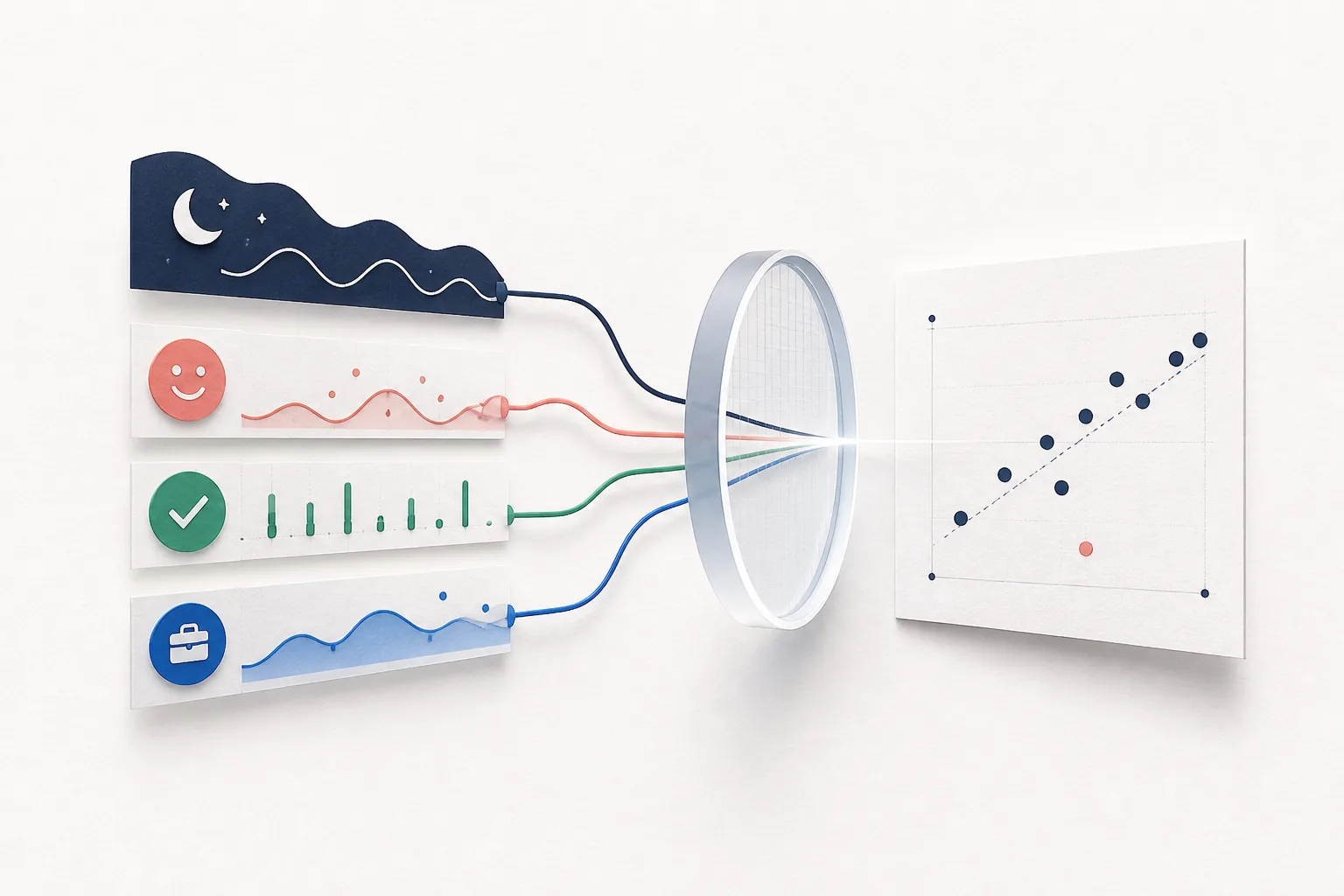
Swaymark records five simple daily signals and places them beside mood check-ins, permissioned Apple Health context, GitHub contributions, and optional product signals. The useful question is not just whether you completed Focus. It may be whether Focus tended to coincide with better mood after adequate sleep, and whether the pattern held during both quiet and launch weeks.6
That broader view is exploratory. A personal association does not prove that a habit caused an outcome. Look at the date range, sample size, missing days, timing, and counterexamples. Then run a small bounded experiment instead of turning a chart into a rule about yourself.
Put it into practice
Plain answers
Loop is a strong free option for Android users who want an open source app with local storage. Apple users should compare current free plan limits carefully because features and pricing change.
Streaks can provide a clear cue and satisfying feedback. They are less useful when one miss creates shame or encourages dishonest entries. A tracker should make restarting easy.
It can reduce manual entry for measurable activities such as workouts. Keep automated health values distinct from subjective habits and confirm exactly which permissions the app requests.
Start with one to three behaviors that support a current goal. Add more only when logging remains easy and each item still changes a decision.
Choose Swaymark when you want to compare habits with mood, recovery, GitHub, or product signals across the same dates. Choose a focused tracker when reminders and streaks are the central need.
Use habit tracking to test whether routines support focused work without confusing streaks, activity, and meaningful output.
Read field noteCompare Swaymark, Exist, Gyroscope, Bearable, and focused trackers by data sources, questions answered, evidence limits, and daily effort.
Read field noteBuild a small, private personal analytics system that connects health, mood, habits, work, and product signals without drowning in dashboards.
Read field note